How to Automate Machines in Atomcraft
Conveyors, sensors, logic gates, and hands-free production
How to Automate Machines in Atomcraft
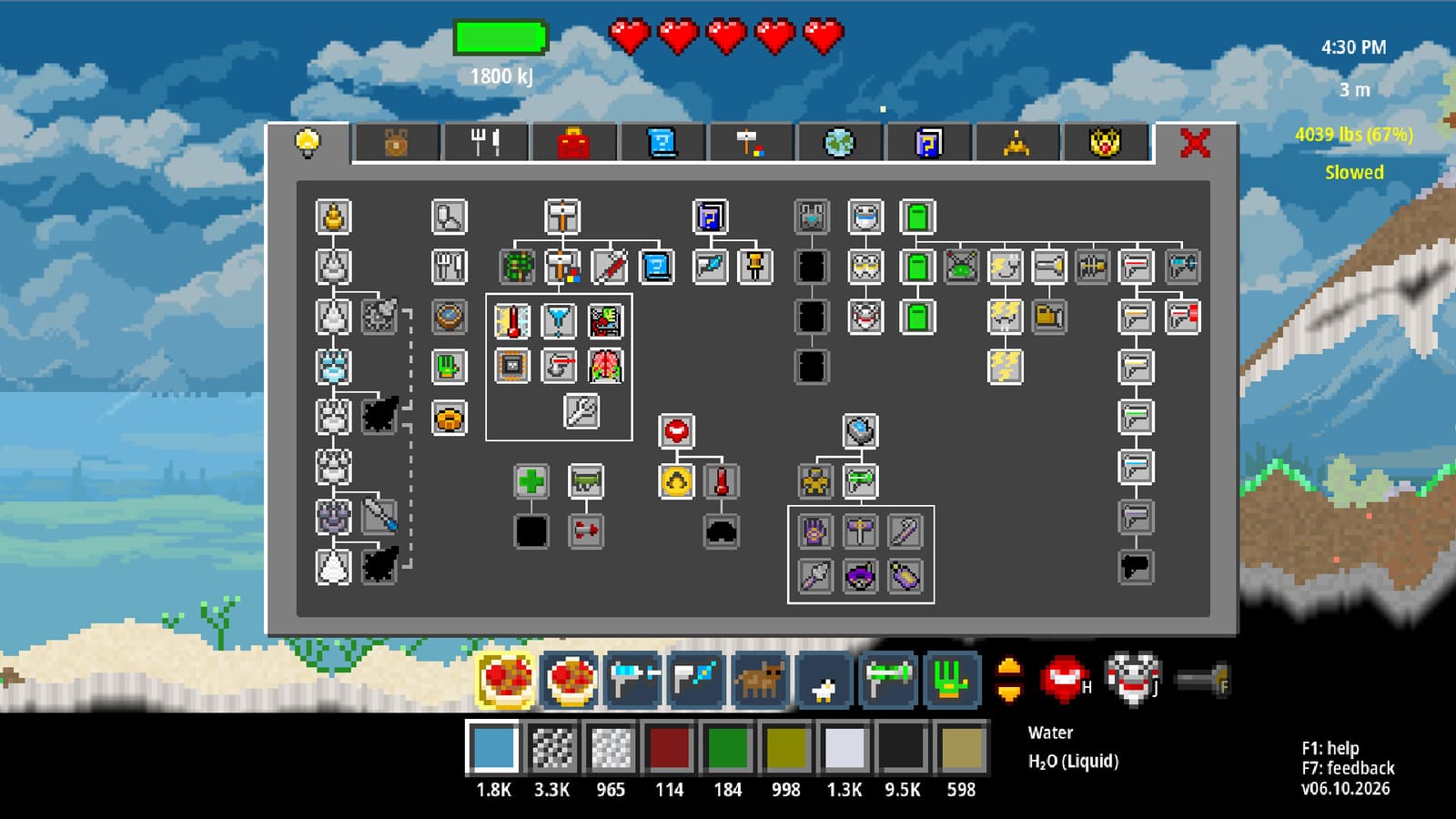
Automation turns Atomcraft from a manual chemistry bench into a living factory of mechanical pixels. This guide explains how to automate machines with conveyors, trapdoors, heaters and coolers, wiring, buttons, sensors, and logic gates—and when to automate versus when to keep a human in the loop. Revisit the Guides hub for recipe guides you should master before wiring them up.
Automation philosophy
Automate repetition, not understanding. If you cannot smelt Cuprite, make charcoal, or run seawater electrolysis by hand, machines will only fail faster. Earn Research Points through spaceship restoration until mechanical pixels unlock, then encode recipes you already trust from the forge, steel, and electrolysis guides.
Mechanical pixel toolkit
| Pixel / part | Role |
|---|---|
| Conveyors | Move items and materials along a path |
| Trapdoors | Drop or gate materials between levels or chambers |
| Heaters | Add heat where ambient forge charcoal is not enough or needs localization |
| Coolers | Remove heat for condensation, safe handling, or recipe steps |
| Wiring | Connect power and signals between devices |
| Buttons | Manual signal pulses for testing and overrides |
| Sensors | Detect materials, presence, or conditions |
| Logic gates | Combine sensor signals into conditions (and/or/not-style control) |
Together these parts sort ore, feed charcoal, meter seawater, and stall lines when a chest is full.
Watch: Atomcraft mechanical automation
Use the video mid-build to compare conveyor routing and sensor placement with a working reference.
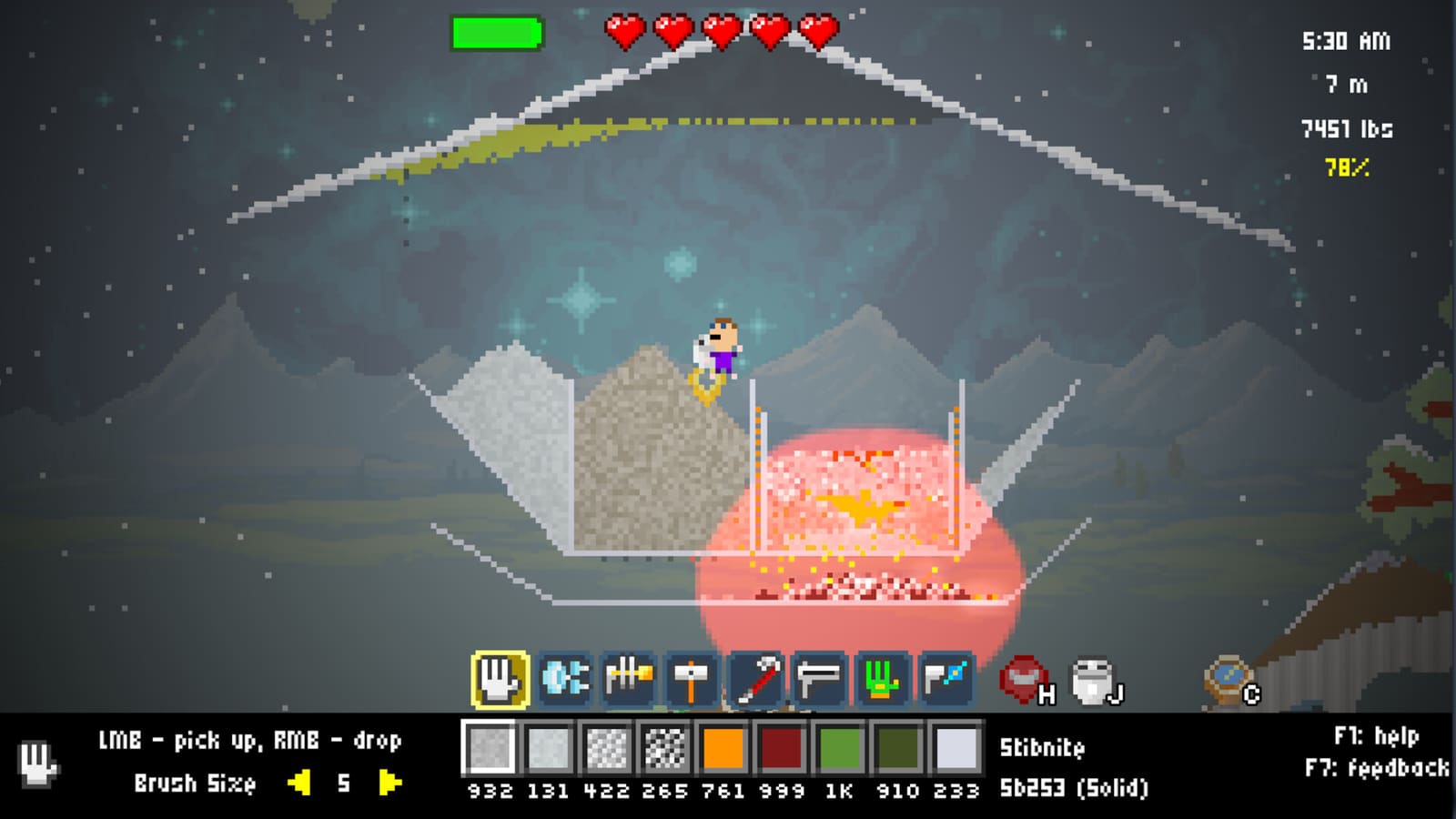
First automation project: forge feed
Start small:
- Chest or pit of ore (Cuprite or Hematite).
- Conveyor line to the forge lip.
- Charcoal supply line that never merges into the ore belt.
- Trapdoor or drop into the charcoal bottom chamber on a controlled cadence.
- Sensor that stops ore feed if the chamber is clogged.
- Button override so you can pause the whole line while you Left-Ctrl clean a jam.
This teaches logistics without demanding full logic networks. Keep clay U-shape integrity—conveyors should assist the forge, not punch holes that break heat.
Temperature automation with heaters and coolers
Some recipes need heat away from a charcoal bed; others need cooling before products can be moved safely. Place heaters on segments that must stay hot and coolers on output lanes. Sensor-gate heaters so they are not cooking empty air forever. For Steel, remember the hand rule from the steel guide: Carbon enters molten Iron—your heated zone must actually melt Iron, not merely warm it.
Wiring, buttons, and sensors
Lay wiring like roads: main trunks, short branches, labeled destinations in your mind. Use buttons constantly while testing—automation that cannot be paused is a base hazard. Sensors should watch for the material you care about (ore present, product present, seawater present) rather than vague occupancy if finer detection exists in your unlock set. Read F1 Help on each new mechanical pixel; Atomcraft’s Help System exists for these parts.
Controllers and keyboards both work for build mode—WASD to position yourself, Enter to interact with configurators, F if you wire inside dark hulls or caves. See How to Play Atomcraft if bindings still feel shaky.
Logic gates for real factories
Logic gates let you say “move ore only if charcoal sensor is hot/ready and output sensor is empty.” Without logic, conveyors jam or starve. Build truth tables on paper if needed:
- Ore AND fuel ready → enable feed
- Output full → stop feed
- Emergency button → stop everything
Test gates with buttons before connecting them to expensive Steel or Chlorine lines.

Automating electrolysis carefully
Seawater lines benefit from conveyors and sensors, but gases and corrosives punish sloppy merges. Separate Lye, H2, and Cl2 paths. Cool or contain Hydrogen away from ignition. Only after a manual HCl success should you add logic that meters Chlorine into acid steps. Keep a courier branch that diverts first discoveries toward ship restoration for Research Points.
Common automation failure modes
- Merged charcoal and ore belts contaminating melts.
- No pause button, forcing block-breaking to stop a line.
- Heaters running with no material, wasting power/fuel budgets.
- Sensors aimed at the wrong tile.
- Automating before Copper drill / Steel / electrolysis understanding exists.
- Forgetting food—factories do not feed you; cook food between wiring sessions.
Scaling roadmap
- Manual recipe mastery.
- Single conveyor assist.
- Dual supply (fuel + ore) with a stop sensor.
- Heater/cooler zones.
- Logic-gated multiphase lines.
- Parallel halls for metals and wet chemistry.
- Ship restoration still scheduled—automation without RP unlocks stalls on missing parts.
Checklist before you call a line “done”
- Recipe succeeds five times by hand.
- Conveyors never cross-contaminate critical pixels.
- Buttons halt the system in one interact.
- Sensors and logic gates handle full and empty states.
- Heaters/coolers maintain the temperatures the recipe needs.
- Access space remains for Left-Ctrl emergency picks.
- Research Points plan exists for the next mechanical unlock.
Automating machines in Atomcraft is architecture plus chemistry. Mechanical pixels—conveyors, trapdoors, heaters, coolers, wiring, buttons, sensors, and logic gates—are only as smart as the recipe you give them. Build patiently, wire clearly, and let the factory earn the boring trips while you chase the next discovery for the ship.
Frequently Asked Questions
Quick answers tied to this page.
What mechanical pixels automate Atomcraft factories?
Conveyors, trapdoors, heaters, coolers, wiring, buttons, sensors, and logic gates are the core mechanical pixels used to automate machines.
What should I automate first in Atomcraft?
Automate forge feeding: separate ore and charcoal conveyors with a sensor stop and a button pause before tackling electrolysis lines.
Why do my Atomcraft conveyors jam?
Usually merged material types, missing output space, or no logic to stop feeds when a chamber is full. Add sensors, gates, and a manual button override.
Do I need Research Points for automation?
Yes. Mechanical pixels and advanced parts typically unlock through Research Points earned by restoring discovered elements on the spaceship.
Can heaters replace charcoal in a forge?
Heaters help localize or supplement heat, but classic forge practice still relies on charcoal in the bottom chamber of a clay U-shape for core smelting workflows.
When should logic gates be added?
After simple conveyor lines work. Use logic gates to combine sensor conditions so feeds run only when fuel, space, and safety checks pass.