How to Track Materials in Atomcraft
Pin ores in the Material Guide and follow sparkles through fog of war.
How to Track Materials in Atomcraft
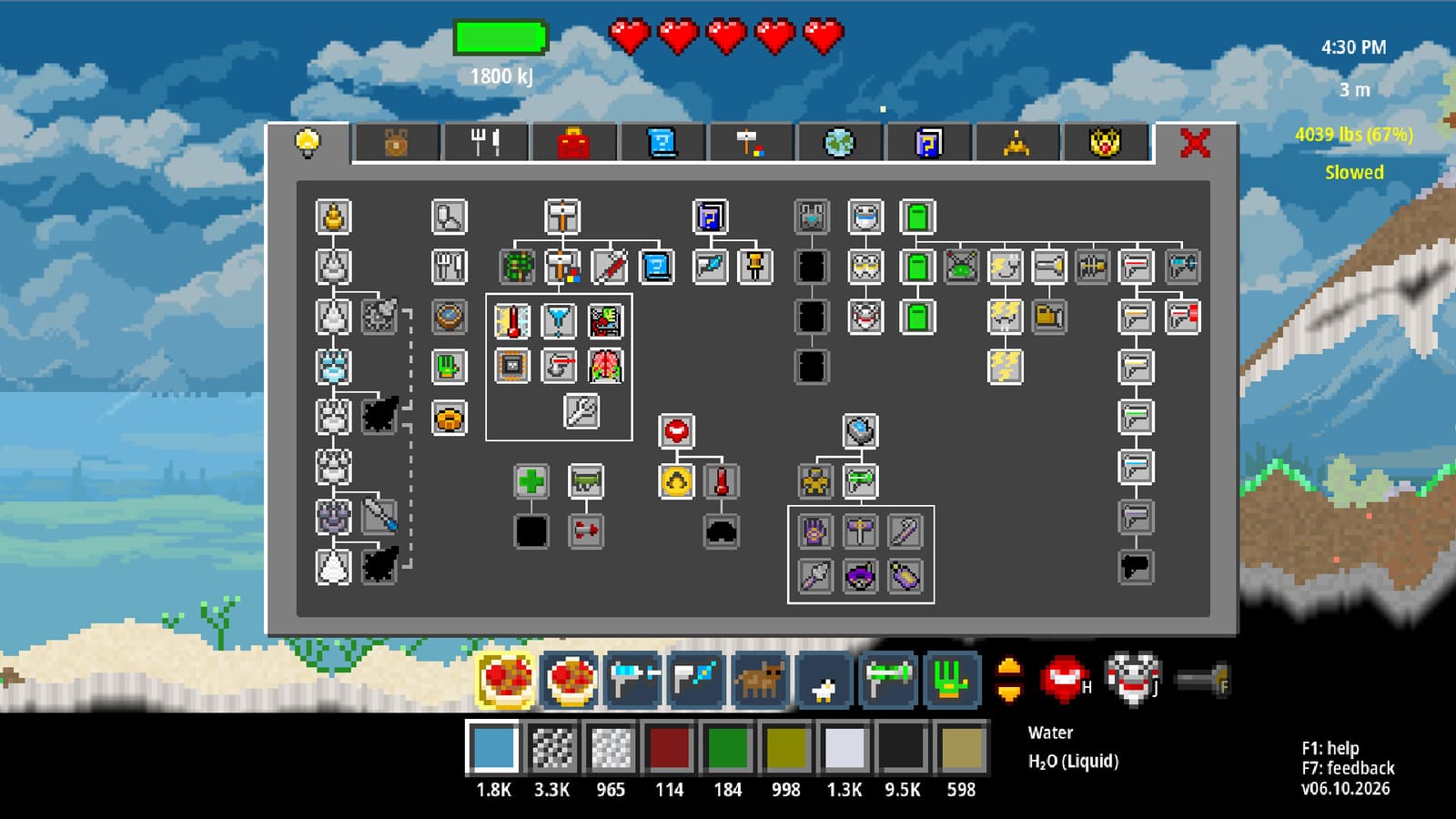
Material Tracking is one of the highest-impact quality-of-life systems added near Atomcraft’s full release. Click the eye button in the guide to pin a material; sparkling effects then play wherever that material exists — even through fog of war. This guide shows how to build a tracking habit that shortens ore hunts, nuke fallout looting, and Buried City expeditions.
How pinning works
- Open the in-game Material Guide / Help flows (F1 remains your friend).
- Find the material you care about — Cuprite, Fluorite, Columbite, Pitchblende, etc.
- Click the eye control to add it to the pinned list.
- Return to the world and watch for sparkles marking deposits.
Sparkles cut the worst Atomcraft failure mode: knowing a material exists somewhere in a biome, but digging random hardness bands for twenty minutes. Pair tracking with the Material Finder on this wiki when you forget the chemistry route, then pin the in-game entry when you commit to a dig.
Middle-click recipe workflow
A related QoL update lets you middle-mouse-click pinned recipe ingredients to assign them to your current selected slot. That means you can:
- Pin a multi-step recipe
- Middle-click each ingredient into the hotbar/material slot
- Dig or pipette only what the sparkles highlight
Combine this with the Material Belt (ten rows of shortcuts) from the Material Belt guide so tracked ingredients stay reachable without endless scrolling.
Best materials to track early
- Cuprite while climbing toward the Copper Drill
- Cassiterite once Copper hardness is online
- Fluorite for Hydrofluoric Acid routes
- Hematite for Iron / Steel
- Columbite / Lepidolite / Borax once Buried City is open
- Pitchblende when chasing Plutonium for Accelerator work
For biome context, read Limestone Caves and Buried City. For world navigation, use World Map Zoom and Teleport.
Inventory + Ship visibility toggle
Recent updates also save/restore whether the UI shows if a material is already in Inventory + Ship. Turn this on while restoring elements for Research Points so you stop over-mining elements you already banked. Details on restoration live in How to Repair Your Spaceship.
Tracking during radioactive and nuke runs
When fallout or synthetic decay creates rare isotopes, pin the exact product name before you enter grayscale zones. Sparkles beat wandering under Rad Suit stress. See How to Use the Nuke Launcher and How to Handle Radioactivity.
Formula search pairing
Inventories and reaction search support Name Only / Formula Only / Name+Formula modes. When tracked materials share similar display names, switch to Formula-only mode so pinned chemistry stays unambiguous.
Related tools and hubs
Material Tracking does not replace geology knowledge — it multiplies it. Pin with intent, dig with sparkles, and leave the blind tunnels behind.
Frequently Asked Questions
Quick answers tied to this page.
How do I enable Material Tracking in Atomcraft?
Open the Material Guide and click the eye button on a material to pin it. Sparkles then mark that material in the world, including through fog of war.
Can Material Tracking see through fog of war?
Yes. The sparkling deposit effect shows through fog of war, which is why tracking is so strong for ore hunts.
What does middle-click do on pinned recipe ingredients?
Middle-mouse-clicking a pinned recipe ingredient assigns it to your currently selected material slot for faster gathering.
Should I track Cuprite early?
Yes. Cuprite tracking speeds the Wooden-to-Copper Drill climb and prevents wasted digs in the wrong hardness band.
Does tracking help with nuke fallout?
Pin the isotope or ore you want before entering the crater so sparkles guide looting while you wear a Rad Suit.